 ClassToybox
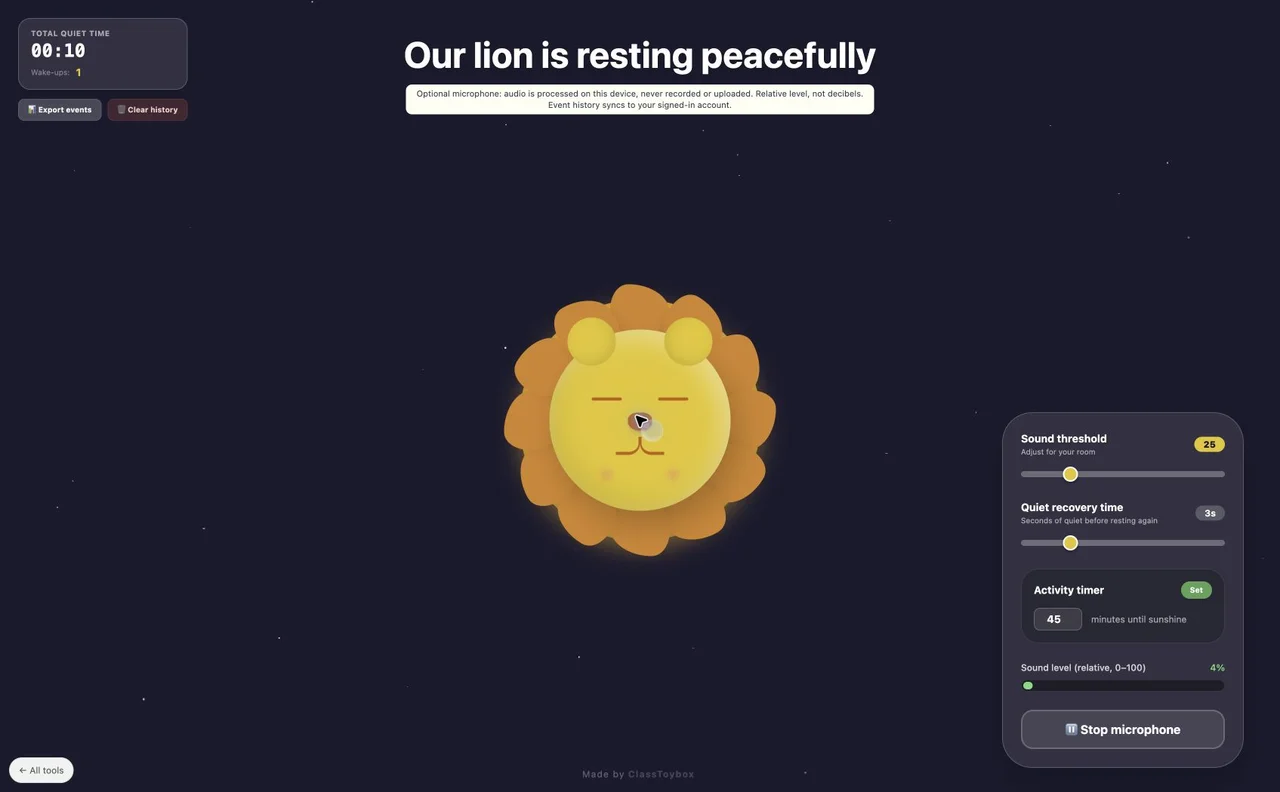
How to use the Classroom Noise Meter
- Read the microphone notice, then choose Start microphone. Your browser asks for permission.
- Adjust the sound threshold for your room. Levels are relative, not calibrated decibels.
- Set an optional activity timer and choose a quiet recovery time.
- Choose Stop microphone to end microphone access. Export events or clear saved history when finished.
- The room reading cannot identify individual students. Sound effects start off and can be enabled in Classroom options.
Why teachers like it
- Local sound analysis without recording or uploading audio
- Adjustable threshold and recovery time
- Activity timer and downloadable event history
Ideas for your classroom
- Classroom focus time
- Practicing indoor voices together
FAQ
How do I access this tool?
This tool is included in the ClassToybox membership: $4.99 per month or $29.99 per year. Sign in with an active membership to play.
Where is the history kept?
Quiet time and wake-up events are saved in this browser and synced to your signed-in account. Clear history clears the records and syncs the change when connected. No audio recordings are made.