 ClassToybox
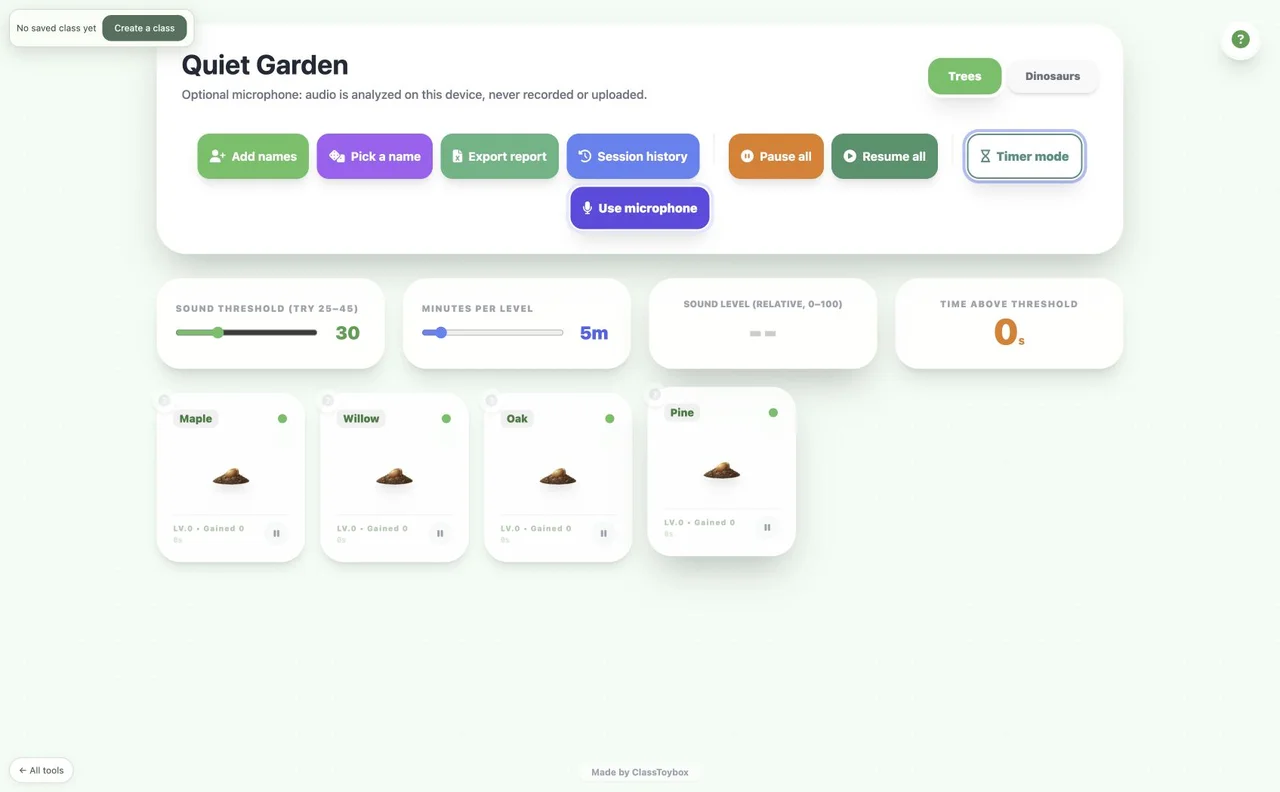
How to use the Quiet Garden
- Add nicknames or team labels, or use your current class list.
- Choose a theme and minutes per growth level.
- Use Timer mode without a microphone, or choose Use microphone to enable local sound analysis.
- Pause individual plants or the whole garden. Export a report before closing if you need to keep it.
- Use room sound as a shared activity cue, never as an individual behaviour or learning score.
Why teachers like it
- Tree and dinosaur growth themes
- Timer mode and optional local microphone analysis
- Random name picker and session reports
Ideas for your classroom
- Independent reading
- A calm, shared focus activity
FAQ
How do I access this tool?
This tool is included in the ClassToybox membership: $4.99 per month or $29.99 per year. Sign in with an active membership to play.
Is audio recorded or sent anywhere?
No. The optional microphone measures a relative sound level on this device. Stop microphone releases it. This is not a calibrated decibel meter.