 ClassToybox
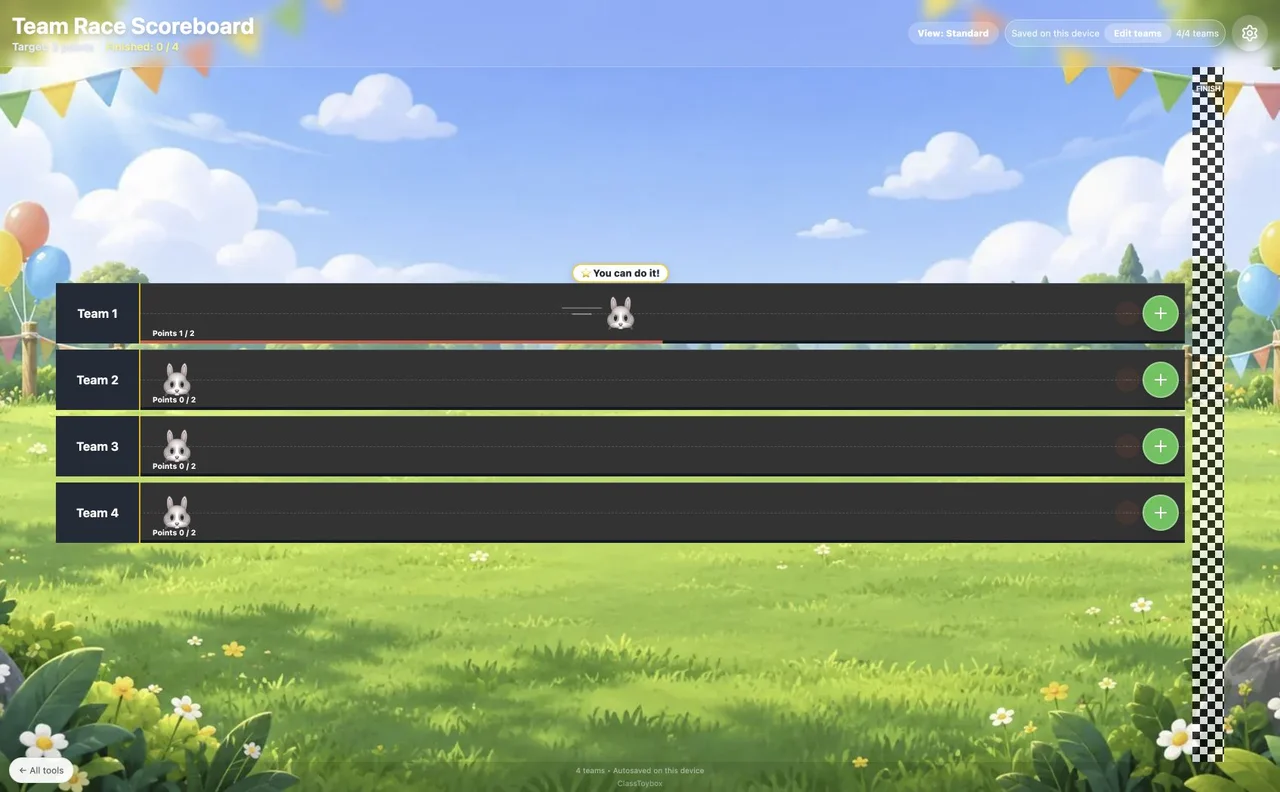
How to use the Team Race Scoreboard
- Open Team settings to choose names and avatars. Use team labels rather than full student names.
- Choose a target score and give your race a title.
- Add or subtract points using the controls beside each team.
- Keep racing after the first finisher, or start a new race. Export results before resetting.
Why teachers like it
- Custom team names, avatars and step messages
- Three track spacing options for classroom screens
- Automatic browser saving and downloadable results
Ideas for your classroom
- Review games and teamwork challenges
- Weekly team goals
FAQ
How do I access this tool?
This tool is included in the ClassToybox membership: $4.99 per month or $29.99 per year. Sign in with an active membership to play.
Are race scores saved?
Scores are saved in this browser and can sync with your signed-in class. Export results before resetting.