 ClassToybox
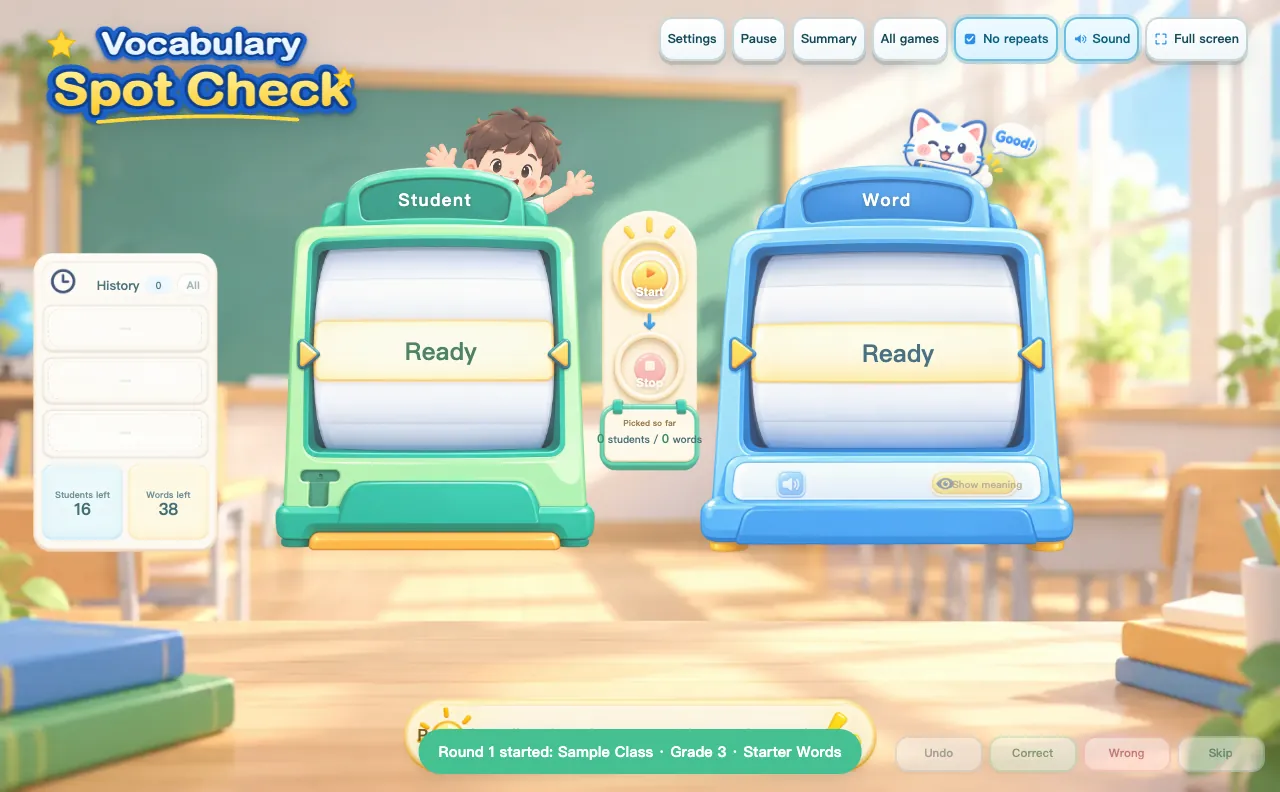
How to use the Vocabulary Spot Check
- Choose a class roster and a word list.
- Choose what students see: the word or its meaning.
- Press Start to spin, then Stop to pick a student and a word.
- Mark Correct, Wrong or Skip. Export the round as CSV.
Why teachers like it
- Students not yet picked go first
- Missed words return after a few turns
- Undo, history and round summaries
Ideas for your classroom
- Daily vocabulary checks
- Spelling practice
- Fair cold-calling
FAQ
How do I access this tool?
This tool is included in the ClassToybox membership: $4.99 per month or $29.99 per year. Sign in with an active membership to play.
Can I use my own words?
Yes. Import a word list from Excel or paste rows of word and meaning. The meaning can be a short definition, a picture clue or a translation in any language.
Are student names saved?
Rosters store first names only, with no grades or accounts. You can export a round's history as CSV.