 ClassToybox
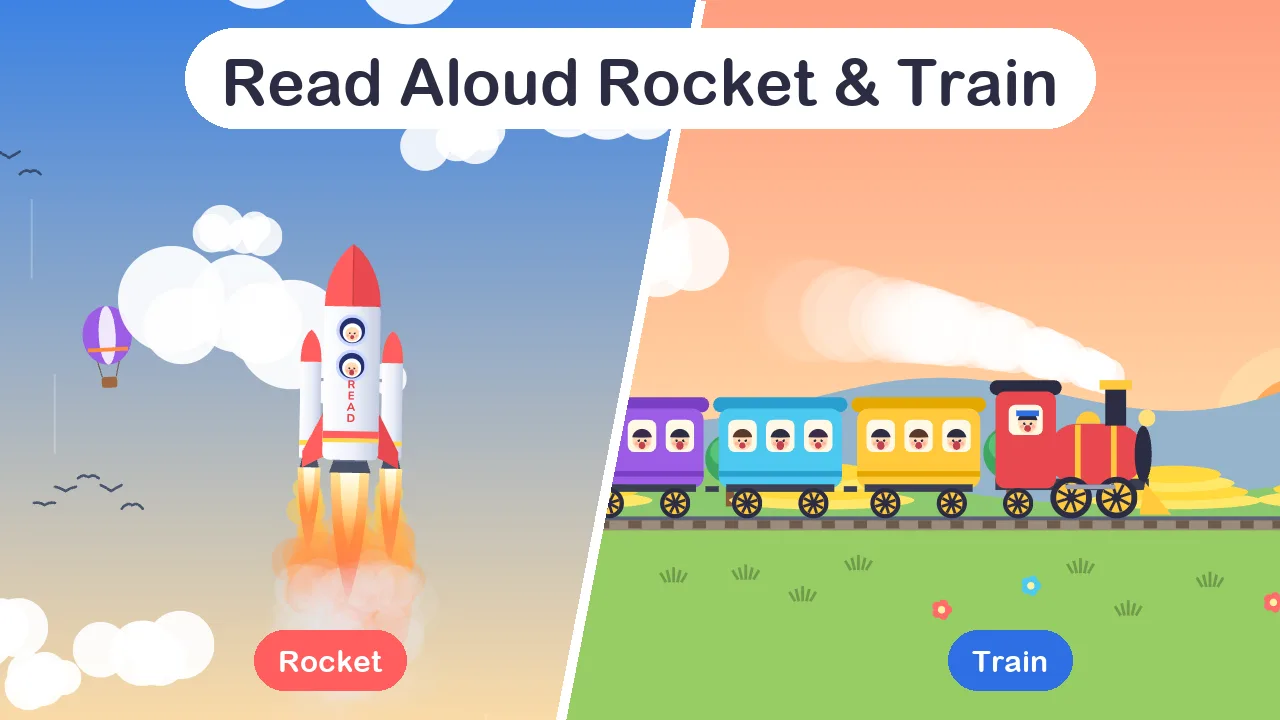
About the Read Aloud Rocket & Train
Read Aloud Rocket & Train turns choral reading into a team game. Open it on the classroom computer, allow the microphone and choose a theme. As the class reads aloud together, their voices fuel a rocket that climbs past the clouds, the space station and the GPS satellites to the Moon, or drive a steam train from School Station through the Sunflower Field, over the River Bridge and on to the Fun Park.
The goal is a strong, clear reading voice, not the loudest one. Between the start line and the too-loud line the ride speeds up. Above the too-loud line the meter turns red, and if the class keeps shouting the engine overheats and stops until voices calm down. Quiet or shy readers are needed too: when the room goes silent the rocket sinks and the train rolls to a stop.
Levels are relative to your room and your microphone, not calibrated decibels. At the start the tool measures the quiet room for three seconds and places the zone above your background noise. Sound is analysed inside your browser; nothing is recorded or uploaded.
How to use the Read Aloud Rocket & Train
- Choose the Rocket or the Train, then pick how long the class will read (3, 5, 10, 15 minutes or your own).
- Choose Start microphone. The tool listens to the quiet room for three seconds and places the reading zone above your background noise.
- Read aloud together. In the green zone the rocket climbs or the train speeds up; when the room goes quiet it sinks or slows down.
- If the class shouts past the too-loud line for about a second, the engine overheats and stops until voices calm down.
- Open Settings to move the start line and the too-loud line, or measure the room again.
Why teachers like it
- Two themes, one tool: a rocket flying past the clouds, the space station and on to the Moon, or a train stopping at six stations
- A reading zone with a start line and a too-loud line, so strong voices win and shouting does not
- Automatic room check at the start, with lines you can fine-tune
- Time in the zone and too-loud warnings shown at the end
- Full screen for projectors and interactive whiteboards
Ideas for your classroom
- Choral reading of a poem, chant or big book
- ESL and phonics drills, where every student needs to say the words out loud
- Songs, rhymes and times-table chants
- Warming up shy readers before partner reading
Who it’s for
- Elementary teachers running choral reading, poems and big-book sessions
- ESL and EAL teachers who want every student speaking, not just the confident few
- Phonics and early-reading groups practising sounds and word lists out loud
- Music and assembly leaders who want strong singing without shouting
Tips for using it well
- Run the room check with the class silent, so the start line sits just above your normal background noise.
- Big class or a sensitive microphone? Raise the start line in Settings. Getting shouty? Lower the too-loud line.
- Set the reading time to match the text. When the time is right, the class reaches the Moon or the Fun Park just as they finish.
- Turn off background music while you play, because the microphone hears it too.
FAQ
How do I access this tool?
This tool is included in the ClassToybox membership: $4.99 per month or $29.99 per year. Sign in with an active membership to play.
Does it record what students say?
No. The sound level is worked out inside your browser, moment by moment. No audio is recorded, saved or uploaded, and the tool cannot tell which student is speaking.
Why does shouting slow it down?
The aim is a strong, clear reading voice. A short burst is fine, but shouting for about a second overheats the engine, so the class learns to read loudly without yelling.
Can I try it without a microphone?
Yes. Demo mode lets you hold the Space bar for a reading voice and hold S to shout, so you can see how it works before class.